
CS2 Animation Beta Update: New Animgraph Features & Pro Player Guide
CS2 animation beta update brings Animgraph 2 with better CPU & network performance. Here's what changed, what it means for pros, and how to adapt fast.
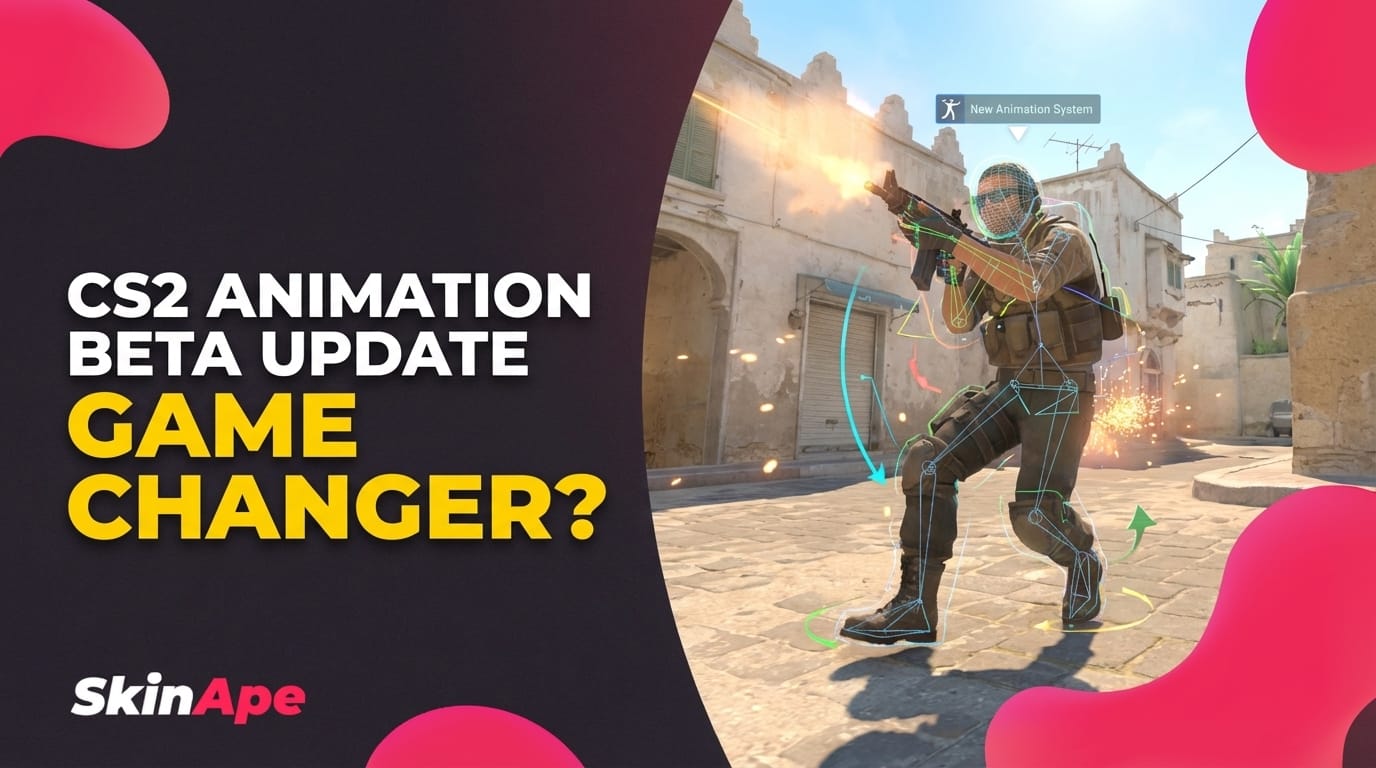
The CS2 animation beta update is here - and if you've been sleeping on it, now's the time to wake up. Valve quietly shipped a beta build upgrading CS2's animation system to Animgraph 2, and the changes go deeper than just smoother-looking models. Whether you're grinding ranked or watching pro replays, this update touches how the game feels, performs, and runs on your machine.
TLDR
- Valve released a beta build upgrading CS2's animation system to Animgraph 2
- The update reduces CPU and networking costs tied to player animations
- Improved player animations rolled out in an April 1st patch alongside audio adjustments
- Pro players will need to re-evaluate movement reads and peeker's advantage assumptions
- New animation fidelity changes how you interpret enemy positioning at range

CS2 Animation Beta Update: Key Changes Explained
Let's break down what actually shipped. According to Valve's own announcement covered by HLTV, the beta build moves CS2 to Animgraph 2 - described directly as a system that "reduces the CPU and networking costs associated with animation." That's the technical headline. But what does it mean in practice?
The old animation graph system was functional, but it carried overhead. Every player entity on the server required processing power to calculate and sync animations. In a 10-player match, that multiplies fast. With Animgraph 2:
- CPU load per player: Higher per-entity animation cost → Reduced processing overhead
- Network sync: More bandwidth-intensive animation data → Optimized, lower cost transmissions
- Animation fidelity: The system now handles transitions and blending more efficiently without sacrificing visual accuracy
On top of the technical backend work, the April 1st CS2 update (reported by TalkEsport) brought improved player animations visually, alongside a series of audio adjustments and various smaller quality-of-life changes. So you're getting both a performance uplift and a visual polish pass at the same time.
This isn't just a patch note you skim and forget. It's a foundational shift in how the game processes movement and character state - which directly feeds into how competitive play feels.
CS2 Animgraph Changes: Old System vs. New System
If you played CS:GO or early CS2, you know animations have always been a topic. From the floaty movement reads of early builds to the peeker's advantage debates - animations matter competitively.
Here's a breakdown of what shifted with the Counter-Strike 2 animation beta:
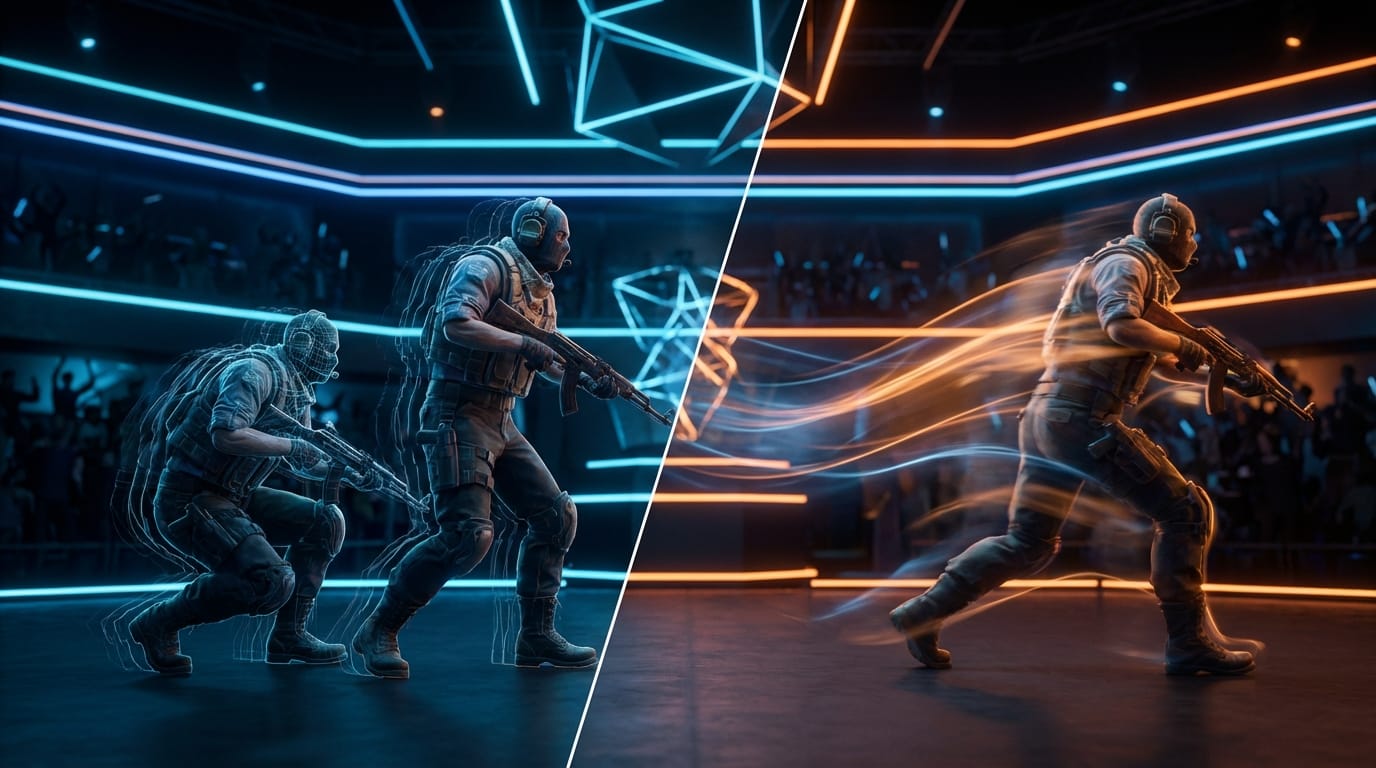
- Transition blending: Old animgraph handled state transitions (crouch → stand, run → stop) with more rigid frame logic. Animgraph 2 blends these transitions more dynamically, which means character models look less "snappy" and more physically grounded
- CPU bottleneck reduction: On servers with full lobbies, the old system could contribute to tick-rate inconsistencies. The new system is lighter, which should help servers process animation states faster and more accurately
- Networking efficiency: Animation state data being cheaper to transmit means less desync potential - fewer moments where what you see doesn't match what the server registered
- Audio sync alignment: The April patch paired animation improvements with audio adjustments, suggesting Valve is tightening the link between movement sounds and actual animation frames
The gap between what pro players and casual players will notice is real. Casuals might just see "the game looks smoother." Pro players will feel the difference in how movement reads behave at corners and in duels.
How CS2 Animgraph Changes Affect Pro Gameplay
This is where it gets interesting for anyone playing at a serious level. The CS2 animgraph changes aren't just cosmetic - they affect information.
Peeker's advantage and timing reads
Competitive CS2 has always had conversations about peeker's advantage - the phenomenon where the person peeking a corner sees the defender before the defender sees them, partly due to animation lag and network sync. Animgraph 2 improving networking costs could tighten this gap. If animation states sync faster, defenders get more accurate information sooner.
Movement baiting and counter-strafing reads
Pro players have trained muscle memory around reading enemy animations to predict position. If a player counter-strafes before a shot, their model transitions through a specific animation sequence. With improved blending in Animgraph 2, these sequences look different. Pros who relied on reading those exact frames will need to recalibrate.
Audio cues lining up better
The audio adjustments paired with animation updates mean footstep and landing sounds should align more tightly with actual animation frames. For pros playing with sound as primary information (which is most of them), this is significant. If the audio was previously slightly ahead or behind the animation, that gap is being closed.
Pro player adaptation tips:
- Demo review: Pull recent demos and compare movement animation timings to your pre-beta reads. Look for any timing drift in corner exposure moments
- Re-test off-angles: Off-angle setups that relied on the old animation lag windows may be less effective
- Crouch timings: Crouch-peek animations blending more smoothly means the "crouch peek window" for headshots may have shifted slightly
- Sound discipline: With audio-animation sync tightened, lean harder into audio information for tracking enemies through walls and around corners
Best CS2 Animation Settings for Competitive Play After the Beta
The beta rollout means not every player is on the same build. Here's how to position yourself for when this fully drops:
Opt into the beta
If you haven't already, access the CS2 beta branch through Steam > Properties > Betas. Getting reps on the new animation system early puts you ahead of the curve when it becomes default.
Sensitivity and FOV stays the same
Animgraph 2 doesn't change your FOV or hit registration logic directly. Your CS2 pro player settings for sens and DPI don't need adjustment. What changes is your visual reading of enemies, not your input settings.
Review your crosshair placement habits
If your crosshair placement relied on predicting where an enemy model would be based on old animation transitions, those predictions need updating. Spend time in deathmatch specifically watching how enemies' upper bodies track around corners.
Test in practice servers first
Before queuing competitive on the beta build, run practice server sessions. Custom maps with bots will let you observe the new animation behavior without the pressure of a live match.
Frame rate cap considerations
With CPU costs reduced by Animgraph 2, players on mid-range rigs may see frame rate improvements. If you were previously capping frames aggressively to reduce CPU load, test whether you can loosen that cap without hitting instability.
What Pro Players Need to Know About the New Beta Features
The Counter-Strike 2 animation beta is a signal, not just an update. Valve shipping Animgraph 2 as a beta first (rather than a full release) means they're collecting data on how it performs at scale before it becomes the default. Pro players and serious competitors should treat this period as a testing window.
Key mindset shifts:
- Treat it as a new meta: Animation changes are meta changes. The players who adapt fastest to new visual and timing information will have an edge in the transition window
- Don't panic-change your entire setup: The core game - aim, utility, strategy - is unchanged. You're adjusting reads, not rebuilding fundamentals
- Watch pro matches on the beta: If tournament play moves to the updated build, VOD study becomes even more valuable. You can observe how top players are reading the new animations in real match scenarios
- Give feedback: Valve shipped this as a beta because they want data. Reporting inconsistencies or unexpected animation behavior helps shape the final release
The animgraph update features are genuinely interesting from a technical standpoint, but the competitive impact is what matters most if you're trying to improve your rank or perform at a higher level.
Pro Tips: Adapting to the CS2 Animation Beta Fast
- 🐒 Run deathmatch for 30 minutes specifically watching model transitions - not trying to frag out, just observing how enemies move around corners and through doors
- Listen more: With audio-animation alignment tightened, your ears give you better information than before. Trust them
- Don't pre-aim the old spots: Some pre-aim positions were calibrated around where an enemy model would visually appear based on old animation lag. Recalibrate these by feel
- Check community resources: Sites like HLTV are covering pro reactions to the CS2 animgraph changes in real time. Follow the discourse - it's useful signal
Grab More From Your CS2 Time With SkinApe 🍌
You're grinding CS2, adapting to every update, and putting in serious hours. Why not get something back for it?
SkinApe is a play-to-earn platform where you can farm CS2 skins, Robux, and gift cards just by playing games and completing in-platform challenges. No nonsense, no sketchy surveys - just real rewards for time you're already spending gaming.
The animation beta update means the meta is shifting. It's a good time to jump into a fresh grind - and SkinApe lets you stack rewards while you practice your reads on the new Animgraph 2 system.
👉 Join SkinApe now and start grabbing free CS2 skins today.
The CS2 animation beta update is one of the more technically meaningful patches Valve has shipped in CS2's lifecycle. Animgraph 2 reduces backend costs, tightens animation-audio sync, and delivers cleaner visual information to players. For pros and serious competitors, the adaptation window is now. Get reps in, recalibrate your reads, and stay ahead of the curve.
Take advantage of our limited-time offer by using a unique PROMO code (B100 – New Users & Web Registration Only) to earn extra coins while you play.
